





Structure generated from a truchet pattern.
An assortment of modeling utilities that has become ubiquitous in my personal projects.
Most of them are geometry node modifiers with some accompanying tools written in python.
The core concept is to make the modeling process more efficient by automating any aspect that would not benefit from manual input, and to support a non-destructive workflow.
This allows for defining complex elements with simpler base geometry that more closely resembles the abstract notion one would have of it.
In addition, making adjustments to intricate models becomes significantly easier, as generated elements will maintain their desired shape and proportions.
Extrudes faces. Similar to the built-in Solidify modifier but with different capabilities.

Inserts edge loops around the borders of mesh patches, crossing at corners. Mostly used preceding an Extrude or the built-in Solidify modifier to model panels or other pieces of material that need to retain some sharpness around the edges when sub-divided.


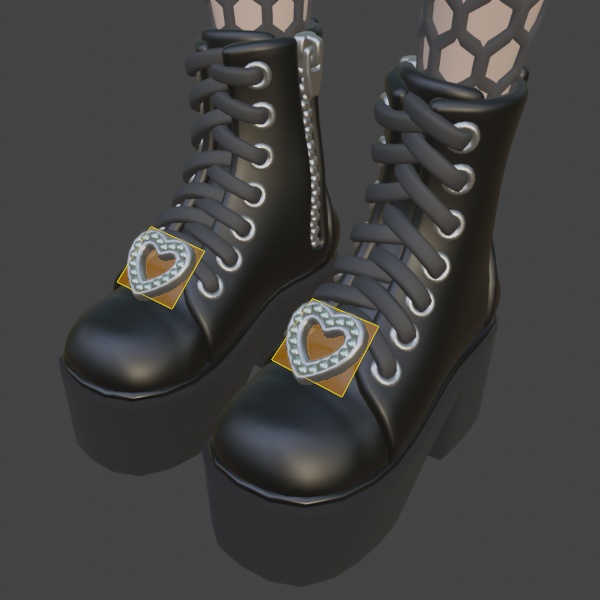
Instantiates a given object or collection on each enabled face of the input mesh and orients it accordingly.
Primarily used for attaching solid objects such as buttons or eyelets to deforming surfaces such as cloth and for constructing complex objects with repeating elements.

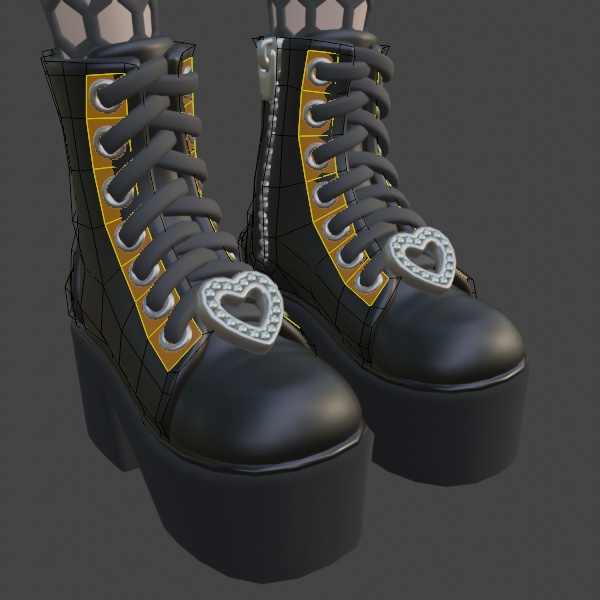
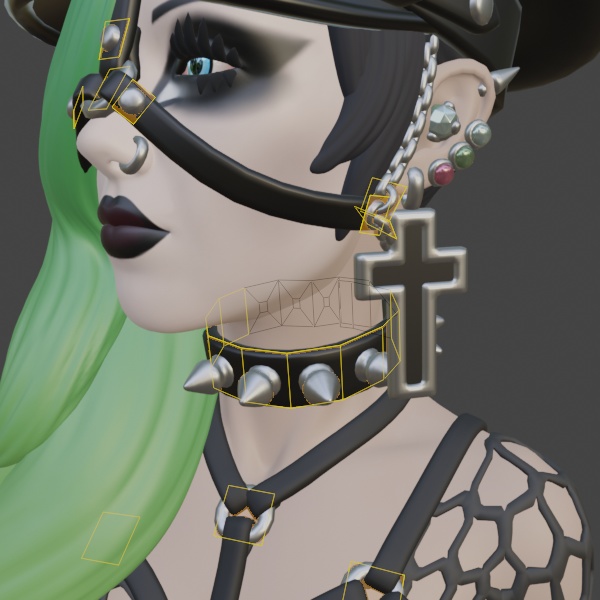

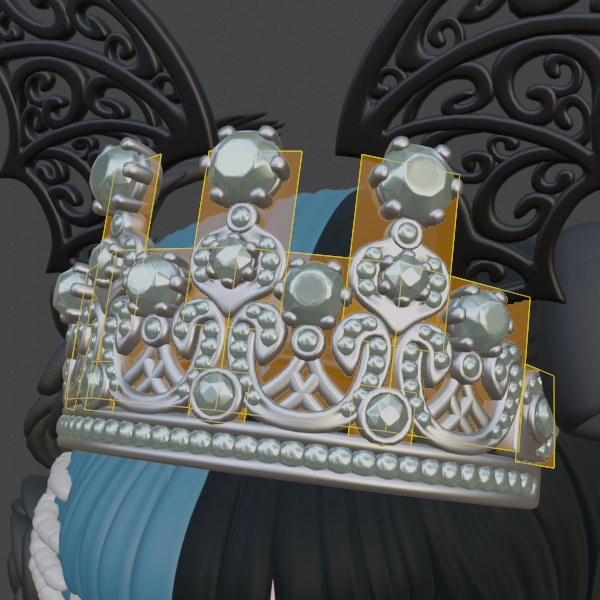

Duplicates a given mesh for each enabled face of the input geometry and interpolates the vertices to cover them, replacing the original face.
Mainly used for constructing complex repetitive deforming structures such as fishnet stockings.


Displacement modifier for adding seams onto clothing, based on input masks.


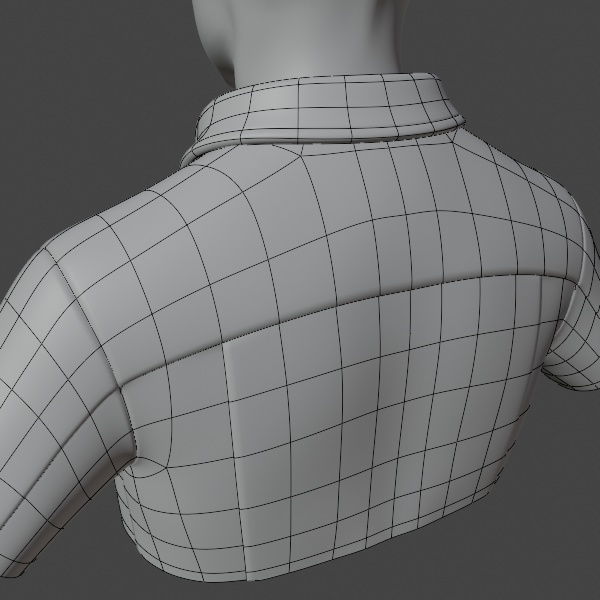
Procedural displacement using noise functions in 2D or 3D, with optional masking.

Noisily removes faces within a given threshold based on input mask, applying additional thinning on remaining border vertices.
Use cases include modeling of torn fabric.


Fills in any hole of the mesh by extruding border edges and merging neighbouring vertices within some distance.
The extrusion direction can either be based on vertex normal, tangent or vertex attribute.

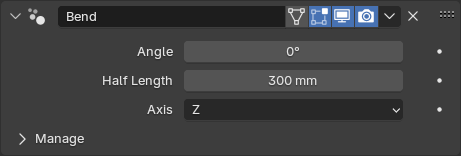
Simply bends the mesh around either of the local basis axes.

Converts strips of mesh edges into curves, which can then be used with curve-based modifiers. This allows for curves to be skinned which is otherwise not possible in Blender.
Personally I also find that the mesh editing mode in Blender provides a much better interface for editing the curve.


Generates a solid rectangular strip along the spline. Mainly used for lacing.


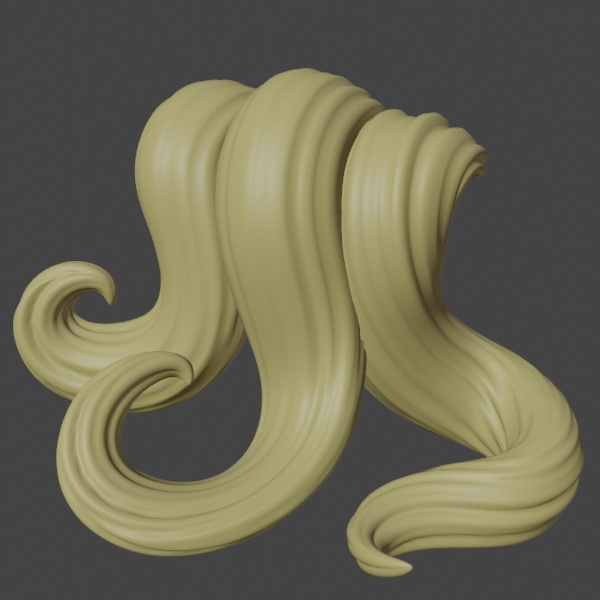
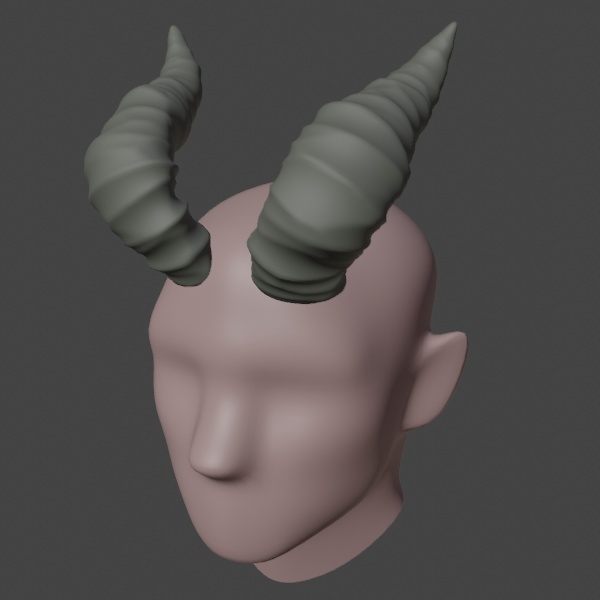
Generates a tube-like mesh along each spline with one end being flat, the other pointed, along with 3D texture coordinates. The base shape is set by parameters and can optionally be modified at location using control point attributes.
Use cases include stylized hair, dreadlocks and horns.


Instantiates a given mesh object along the spline, with overlapping placement and alternating tilt in order to give the effect of a chain.
Can be set to cover a limited range of the spline, making it possible to combine multiple segments with different designs.
Can also be used for any general instancing.


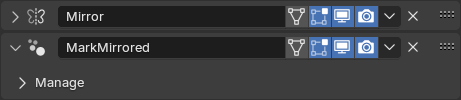
Used in conjunction with the built-in Mirror modifier to identify and mark the vertices that where generated.
This information is required by modifiers such as Repeat Mesh on Quads in order to produce mirrored results (if desired).
Utility that converts the vectors that make up connected faceless edges into vertex attributes. Primarily used in conjunction with the Fill Holes modifier to control the extrusion direction.

Shifts the vertex indices of selected faces, to control the orientation of geometry generated by Repeat Mesh on Quads and Instance on Faces.
Creates and tweaks a "tilt" attribute on the selected vertices, which will be transferred to the splines generated by Edge Curve.
The "tilt" attribute controls the orientation along the spline.
Similar to Set Vertex Tilt but instead controls the "radius" attribute of the generated spline.